


Blind Runner Game
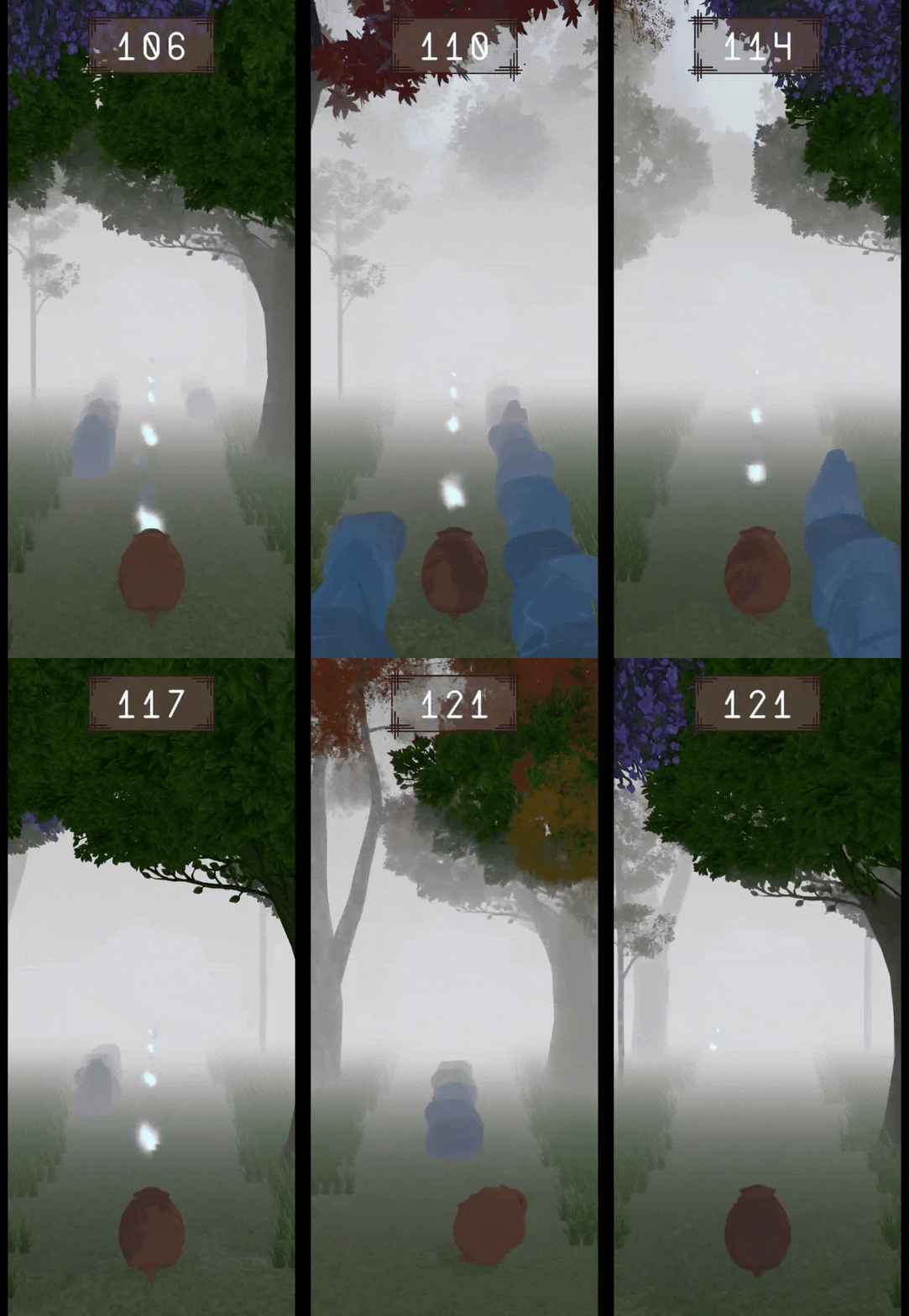
Description
As part of my bachelor's thesis titled "Accessibility in Video Games: Designing and Developing a Concept for Accessibility in Mobile Games for Blind and Visually Impaired People", I created a mobile runner game for Android phones. This game was created with the Unity game engine in spring 2023. The runner game aimed to explore accessibility options for people with visual impairments that can be integrated into a mobile game. These accessibility features should not only create an inclusive gaming experience for everyone but also enhance the experience of any player who is not dependent on these features.
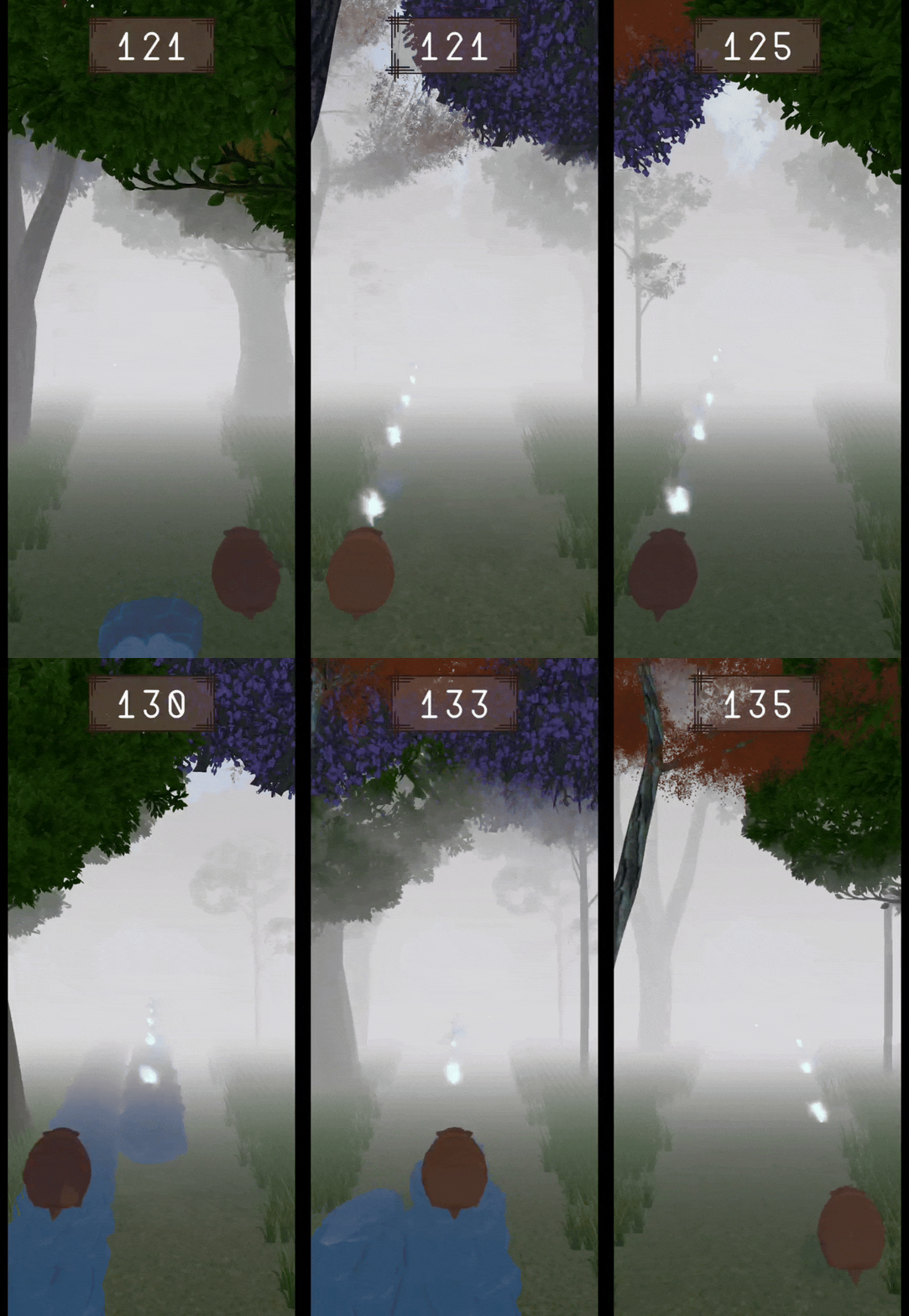
In this game, the player is an armadillo that runs through a dark and foggy forest. While running, the armadillo has to avoid rocks that block bits of the path and has the option to collect tiny lights. The more lights the armadillo collects, the faster it will run, and more rocks will appear on the lanes. Once the player runs into a rock, the game is over, and their score, i.e. the collected lights, will be saved.
Accessibility Features

feelSpace naviBelt
With the help of the feelSpace naviBelt, I was able to translate the runner game into a tactile experience. Developed and distributed by feelSpace GmbH, the naviBelt is designed to assist individuals who are blind or have low vision in navigating both familiar and unfamiliar environments.
The belt has 16 evenly spaced vibration units that go around the user's waist. For the game, I utilised three of these vibration units—positioned slightly above the left hip, right hip, and navel—to represent the three lanes of the game. Different vibration patterns conveyed in-game events: a continuous vibration signalled the player's current position, an intensifying pulse warned of approaching obstacles, and a steady pulsating pattern indicated a series of passing rocks, helping the player avoid switching into a blocked lane. By relying on these vibrations, players could navigate the lanes and react to obstacles without the need for visual cues, making the game accessible to those with visual impairments.
The main challenge of using the belt in the game was creating a Bluetooth connection between the phone and the belt. The player had to find the belt and give permission to the connection. I was able to use the open-source feelSpace library of the belt. I could create functions to search, ask permission, connect, and disconnect through slight modifications in the Java script, which was then accessed through a C# script for the game.


Translation: "You have died! You collected 137 lights. You are missing 347 lights to reach your highscore." "Play Again" "Menu"
Text-To-Speech
The Text-to-Speech (TTS) function played a crucial role in making the game more accessible. It allowed players to hear all on-screen text and navigate through the game seamlessly. Inspired by established accessibility systems like VoiceOver (iOS) and TalkBack (Android), I designed the TTS to create a familiar experience for players who rely on these tools. Every selectable element—such as text, buttons, and icons—was highlighted with a visual frame, enabling users to navigate by swiping left or right to switch between elements. The frame moved accordingly, and a double-tap would activate the selected action, such as pressing the play button. The TTS would then read aloud the text and describe available actions, ensuring players could interact with the game without relying on visuals.This functionality was particularly beneficial in the tutorial, which was entirely text-based. Players could choose to read or listen to instructions and had the flexibility to jump between sections for clarification.
However, implementing TTS posed an unexpected challenge. Due to a removed Unity plugin, I had to integrate the feature using Java. A C# script would then access the Java code so that I could use it in my game.
Phone Vibrations
After collecting a certain number of lights, players encounter rocks that they can jump onto to continue — running into these rocks by failing to jump or evade them results in the game ending. Since the naviBelt already utilises multiple vibration patterns, introducing another pattern risked overwhelming the player. To avoid this, I used phone vibrations to signal jumpable rocks. The vibration pattern mirrors the obstacle warning, with an intensifying pulsation as the rocks get closer. However, just before reaching the rocks, the phone emits a slightly longer vibration before stopping, signalling the perfect moment to jump.
Interestingly, playtests revealed that players who relied solely on tactile feedback performed better on jumps than those using both visual and tactile cues. Like the naviBelt vibrations and Text-to-Speech integration, implementing phone vibrations required Java, which was then accessed via a C# script in Unity.

Translation: "Settings" "Accessibility Options" "Text-to-Speech" "Phone Vibrations" "naviBelt" "Sound" "Black screen"
Further Accessibility Design Choices
Beyond the three main accessibility features mentioned above, several additional design choices were implemented to enhance the game experience for players of all visual abilities. These refinements ensured a more intuitive and inclusive gameplay experience, regardless of a player's level of vision.
One key design decision was the control scheme. Like many runner games, players could switch lanes by swiping left or right and jump by swiping upward. However, instead of relying on a traditional pause button—which could be difficult to locate for players with visually impairments—pausing and unpausing the game was done with a simple double-tap anywhere on the screen. This allowed for seamless interaction without the need for visual cues.
Another major consideration was the use of binaural sound to indicate the location of collectable lights. Since introducing another vibration pattern risked overwhelming the player, a melody was used instead. If the lights were directly ahead, the sound played evenly in both ears. If they were on the left or right, the melody would shift accordingly, with volume indicating distance—quieter when far away and increasing in intensity as the player approached. This provided an intuitive way to locate lights without visual feedback.
Additionally, players could fully customise their accessibility settings to match their personal preferences. In the settings menu, they could toggle each accessibility feature—belt and phone vibrations, text-to-speech, and sound—on or off. For those who preferred a completely non-visual experience, a 'black screen' mode disabled all graphics once the game started, allowing players to navigate purely through tactile and audio cues. These features ensured that every player, regardless of their visual ability, could engage with the game in a way that suited them best.
More information on the game, the research behind it, and the playtest results can be found here in my bachelor thesis.